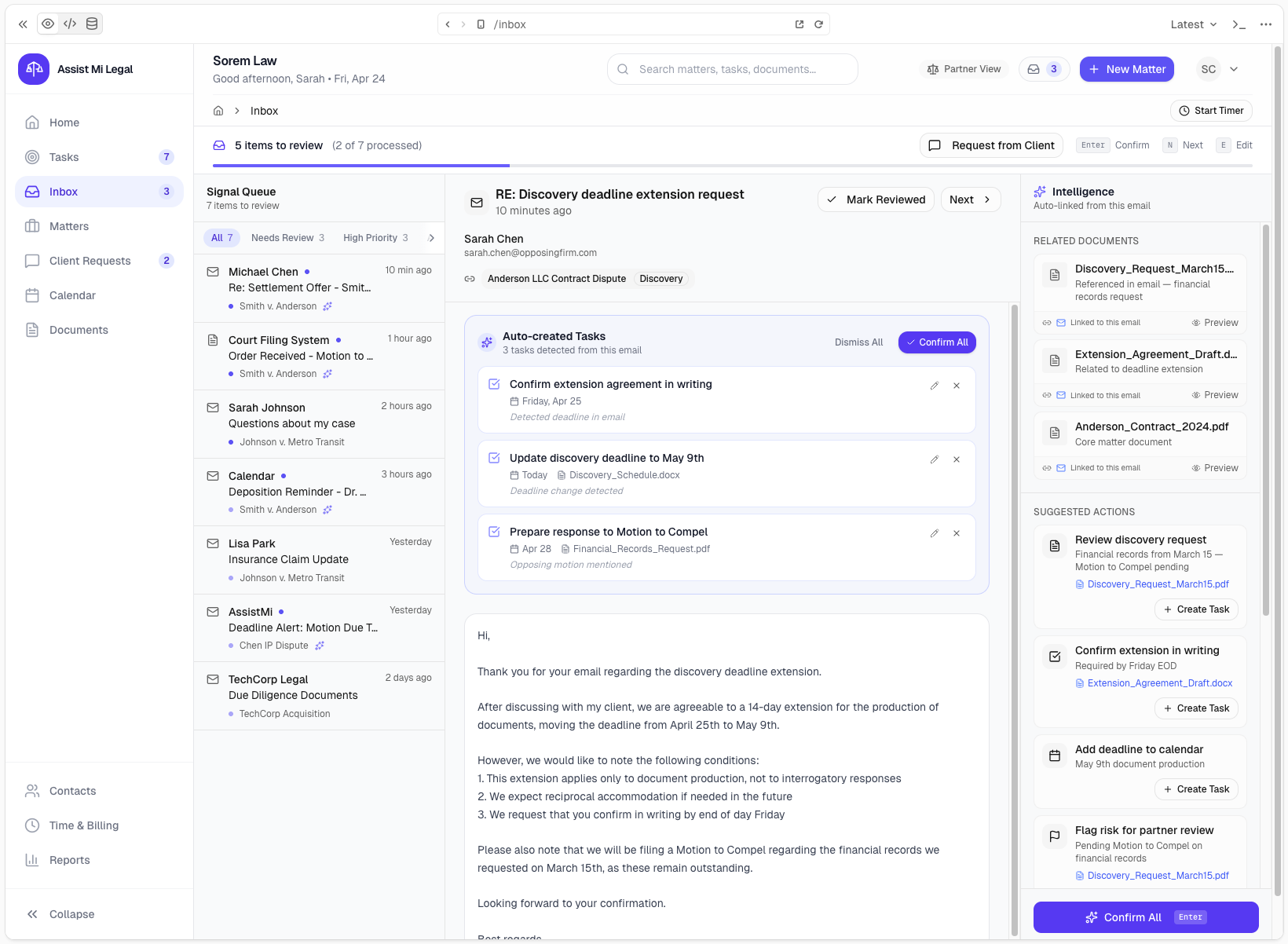
See how Assist Mi captures work from your inbox
Follow a client request from email to action to billing. Assist Mi surfaces what needs attention, links it to the right matter, and helps turn it into billable activity.
For solo lawyers managing multiple matters
Step 1 of 6
Step 1
A client request comes in
A client sends an email with an update, a question, or a document. Assist Mi captures the communication and starts linking it to the right matter.
Captured from your normal workflow